











SSO Login
- How to log in with Google
- How to log in with Microsoft
What you are going to learn:
Overview 
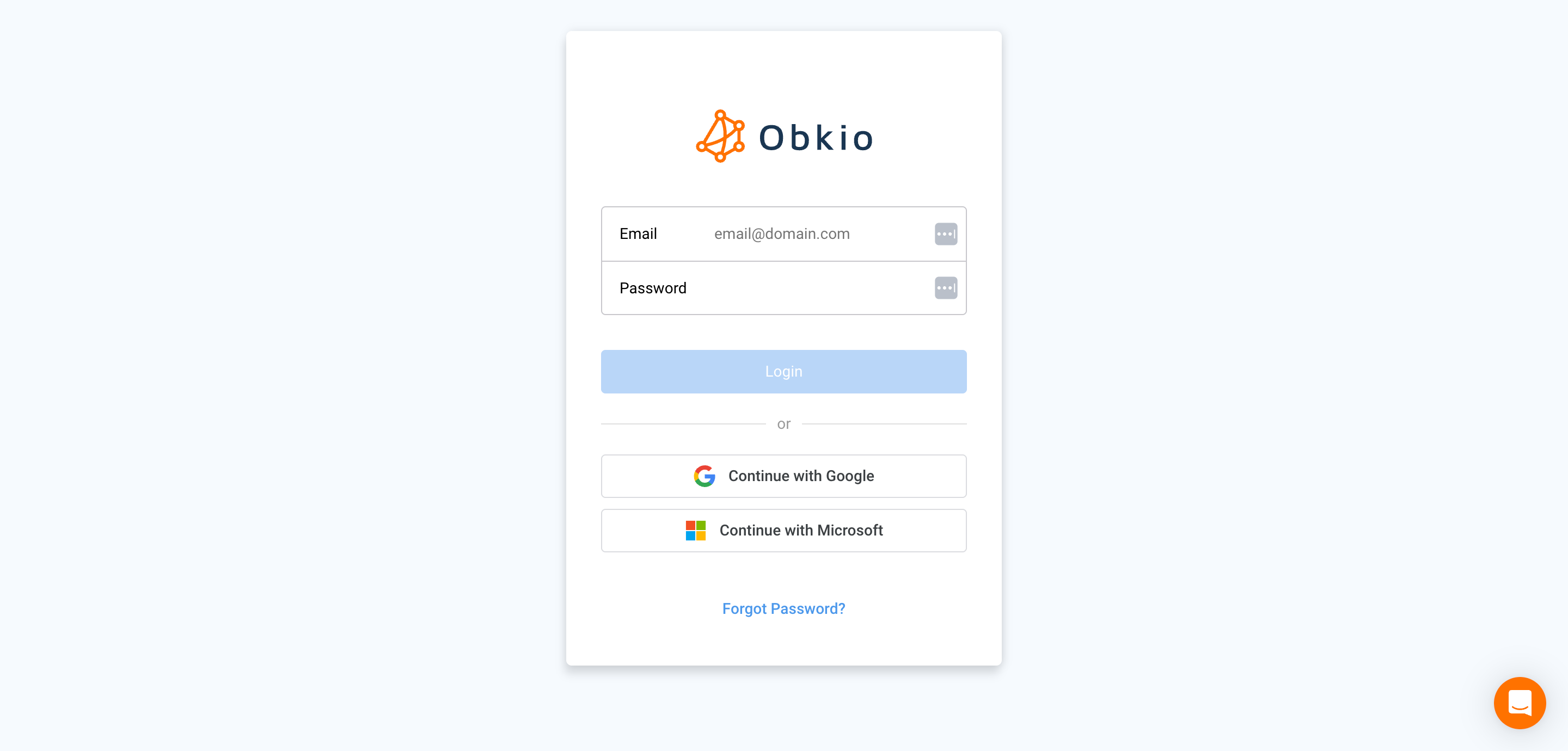
Obkio supports Single Sign-On (SSO) authentication through Google and Microsoft accounts. Users can log in to the Obkio App using their existing Google or Microsoft credentials without entering a separate Obkio password.
SSO login simplifies access management and leverages your existing identity provider's security features, including their multi-factor authentication policies.
Logging In with Google
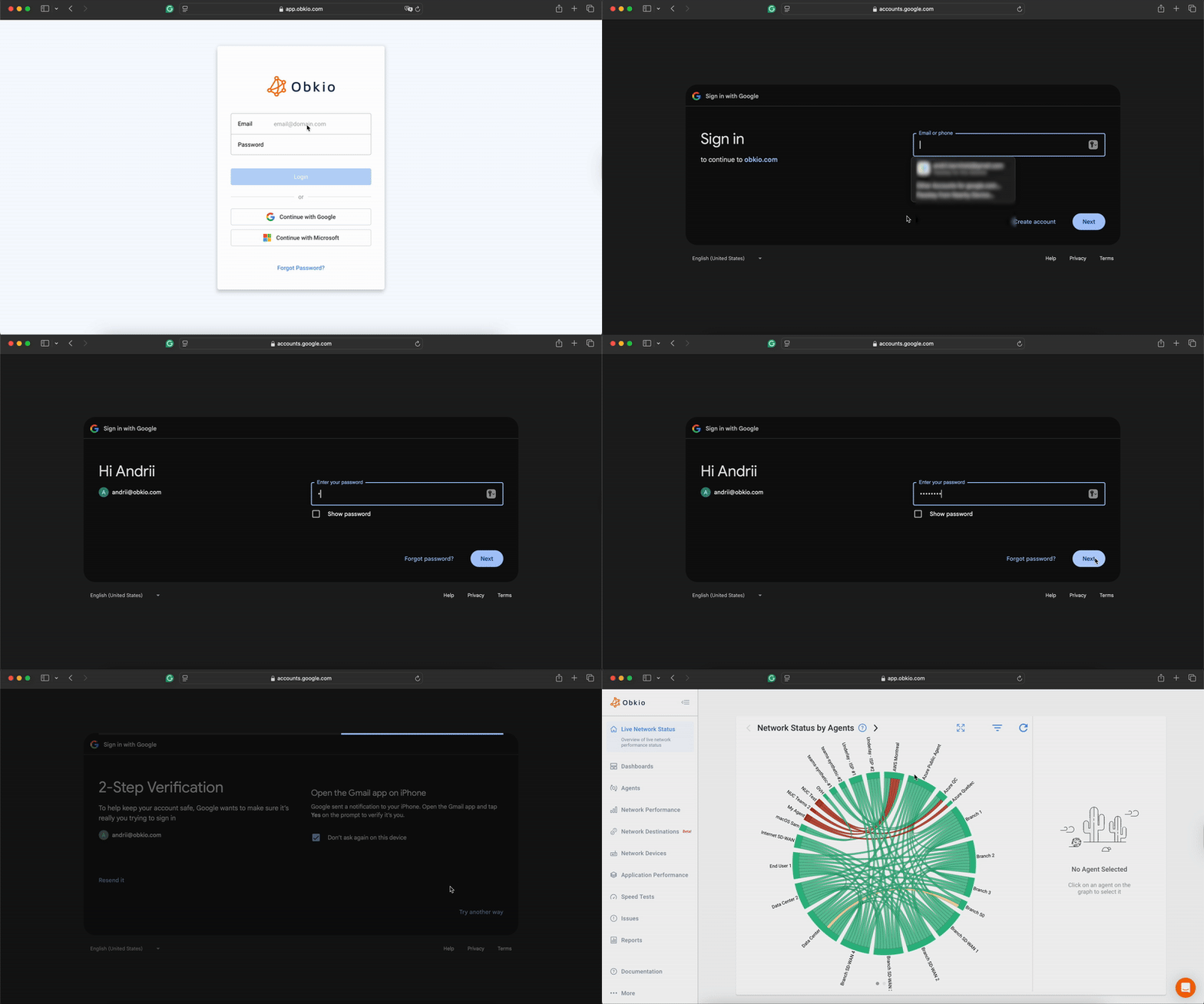
To log in with Google:
- Go to https://app.obkio.com
- Click
Continue with Google - Select your Google account or enter your Google email address
- Enter your Google password
- Complete any additional authentication steps required by Google (e.g., 2FA)
- Grant Obkio permission to access your basic profile information
- You will be redirected to the Obkio App
On subsequent logins, you may be automatically signed in if you're already logged into Google in your browser.
Logging In with Microsoft
To log in with Microsoft:
- Go to https://app.obkio.com
- Click
Continue with Microsoft - Enter your Microsoft email address
- Enter your Microsoft password
- Complete any additional authentication steps required by Microsoft (e.g., MFA)
- Grant Obkio permission to access your basic profile information
- You will be redirected to the Obkio App
On subsequent logins, you may be automatically signed in if you're already logged into Microsoft in your browser.