











 Obkio Blog


 Subscribe
Table of Contents
Table of Contents
The way we work has fundamentally changed. Remote and hybrid work aren't temporary shifts; they're the new reality for most organizations. And with that reality comes a challenge IT teams know all too well: how do you troubleshoot network issues for users you can't physically reach?
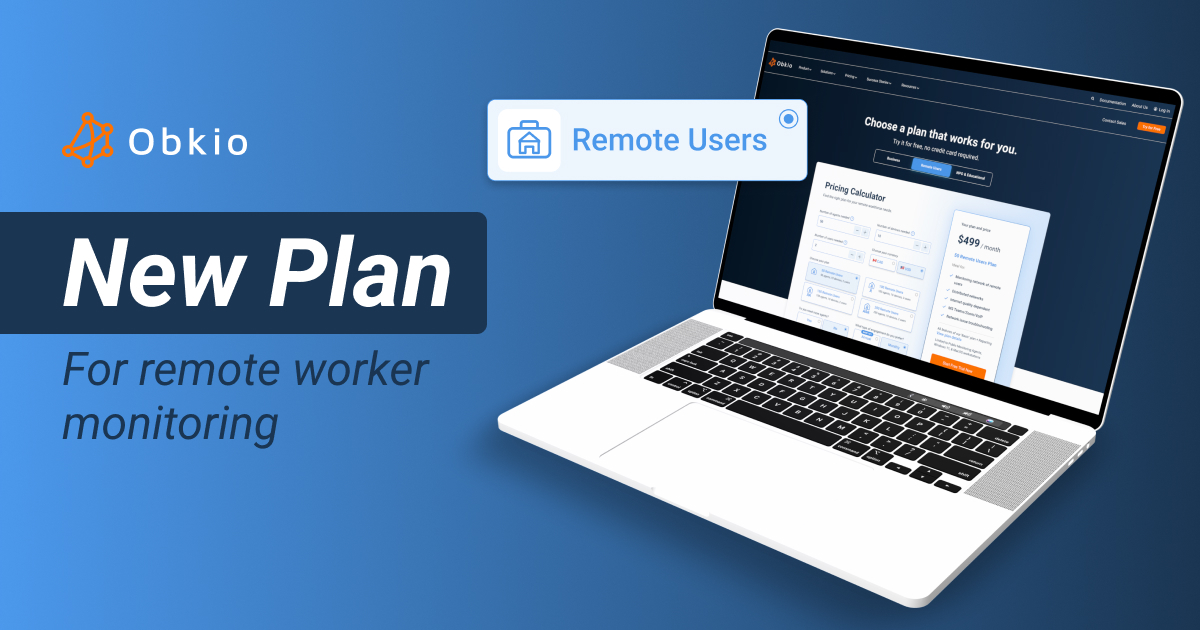
Why We Built Obkio’s Remote User Monitoring Plan 
Remote user monitoring has become one of our most common use cases. Over the past few years, we've watched IT teams struggle with the same frustration: traditional monitoring tools fail when users are distributed across home networks, coffee shops, and coworking spaces. You can't access infrastructure you don't control, and 80% of ISPs block the ICMP traffic most monitoring solutions rely on.
Our distributed monitoring approach already solved this problem; by testing from the endpoint perspective rather than trying to access remote infrastructure. But we heard from many companies that they specifically needed a solution focused solely on remote workforce monitoring, without the complexity of monitoring entire corporate networks.
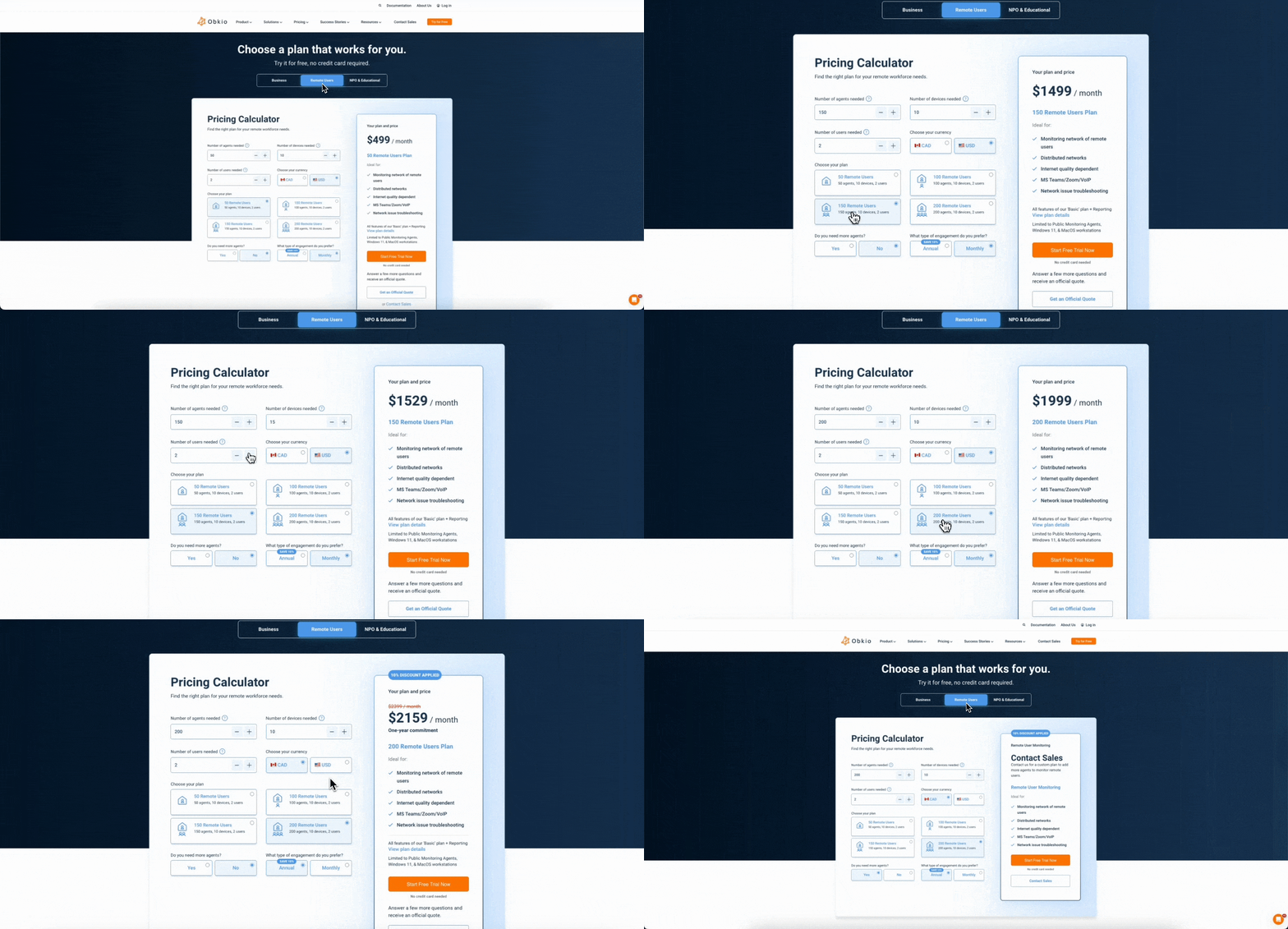
👉 Learn more about Obkio's Remote User Monitoring Plan
How Remote User Monitoring Works with Obkio
Obkio takes a fundamentally different approach to monitoring remote workers. Instead of trying to ping or access home networks from the outside (which ISPs block anyway), Obkio monitors from the remote worker's perspective.
Here's how it works in three simple steps:
1. Deploy Lightweight Agents on Remote Workstations
Install Obkio's monitoring agent on remote worker laptops and desktops. The agent runs transparently in the background without affecting device performance. Deploy to individual users or use mass deployment for your entire remote workforce.
2. Continuous Testing From the User's Point of View
The agent continuously runs synthetic tests from the remote worker's location to critical destinations; your corporate network, cloud applications, VoIP systems, and Internet connectivity. This simulates real user experience and detects issues even during low-traffic periods.
3. Centralized Visibility and Troubleshooting
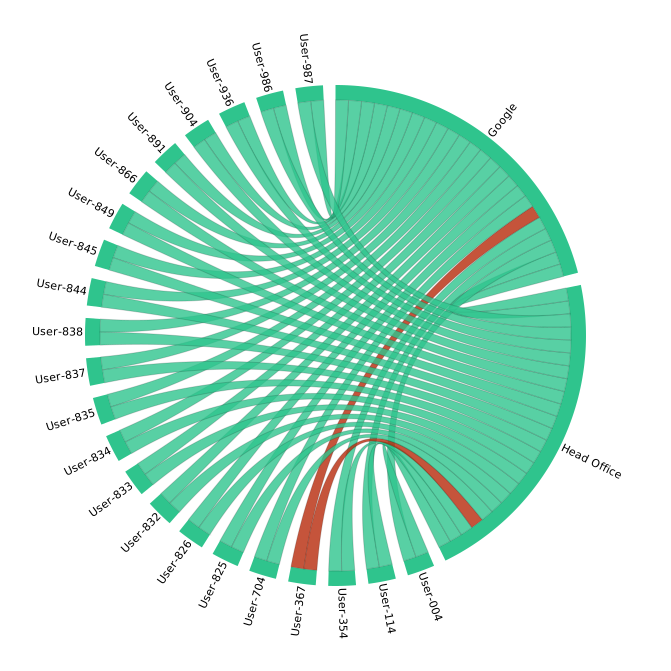
All performance data flows into Obkio's centralized dashboard. See every remote worker's network performance at a glance with color-coded status indicators. When issues occur, visual traceroutes show you exactly where problems are; their device, home Wi-Fi, ISP connection, or your corporate infrastructure.
This approach works because it tests what matters: the actual path between the remote worker and the resources they need to access, from their exact location and perspective.

Key Feature of Obkio’s Remote User Monitoring Plan
The Remote Users Plan addresses this directly. Deploy lightweight agents on remote user workstations and monitor their network performance from one centralized dashboard. No on-site IT required. No guessing about whether it's the user's ISP, their home router, or your applications causing issues.
Agents deploy in blocks of 50 (scalable as your team grows), with flexible device and user additions to match your specific infrastructure. Whether you're troubleshooting a single executive's video call quality or identifying ISP issues affecting an entire region, you see exactly what your remote users experience.
Flexible for Your Business
This plan works two ways: as a standalone solution if remote workforce monitoring is your primary need, or as a second plan alongside your existing Obkio deployment. Many companies use separate plans for different use cases; one for their corporate network infrastructure, another specifically for remote users. This keeps your monitoring organized and allows different teams to manage their respective environments.
What's Included in the Remote User Monitoring Plan

- Continuous network performance monitoring from the user's perspective
- Centralized troubleshooting for all remote locations
- Microsoft Teams/Zoom/VoIP quality monitoring
- Visual traceroutes and network path analysis
- Device health monitoring (CPU, memory, disk space)
- Speed tests to validate ISP performance
- All Basic plan features plus Reporting
Ready to simplify remote user monitoring?
- View Plan Details and Pricing
- Start Your Free Trial to see it in action.


